


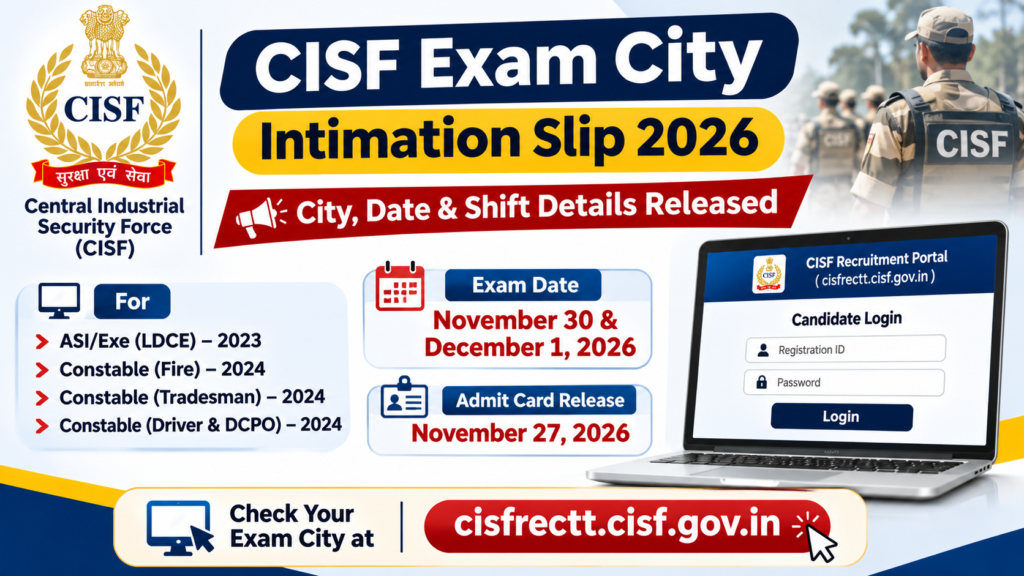
CISF Exam City 2026-The Central Industrial Security Force (CISF) has released an important notice regarding the examination city details for candidates appearing in the Computer-Based Examination (CBE) for ASI/Exe (LDCE) 2023, Constable (Fire) 2024, Constable (Tradesman) 2024 and Constable (Driver & DCPO) 2024 recruitment examinations.
According to the official notice dated November 17, 2026, the CISF examination will be conducted on November 30 and December 1, 2026 at various examination centres across the country.
Candidates who have applied for these posts can check their allotted examination city, examination date and shift by logging in to the official CISF recruitment website using their Registration ID and Password.
CISF Exam City Intimation Slip 2026: Important Details
| Particulars | Details |
|---|---|
| Organisation | Central Industrial Security Force (CISF) |
| Examination | Computer-Based Examination (CBE) |
| Posts | ASI/Exe, Constable Fire, Tradesman, Driver & DCPO |
| Exam City Intimation | November 17, 2026 notice |
| Examination Dates | November 30 and December 1, 2026 |
| City Details | Available online |
| Admit Card Release Date | November 27, 2026 |
| Login Credentials | Registration ID and Password |
| Official Website | cisfrectt.cisf.gov.in |
CISF Exam City 2026: Which Posts Are Included?
The examination city information is available for candidates appearing in the following recruitment examinations:
- ASI/Exe (LDCE) – 2023
- Constable (Fire) – 2024
- Constable (Tradesman) – 2024
- Constable (Driver & DCPO) – 2024
Candidates should check the examination details for each post separately if they have applied for multiple posts.
ARSB T-3 and T-4 Recruitment application form 2026
How to Check CISF Exam City Intimation Slip 2026?
Candidates can follow these steps to check their allotted examination city, date and shift:
- Visit the official CISF recruitment website: https://cisfrectt.cisf.gov.in/.
- Log in using your Registration ID and Password.
- After login, click on the Applied Post tab.
- Find the relevant post for which you have applied.
- Click on the View button available next to the respective post.
- A new page will open on the screen.
- Click on the Allocated Test City tab.
- Your allotted examination city, examination date, exam shift and reporting time will appear on the screen.
Candidates who have applied for more than one post need to repeat the same procedure for each post. These instructions are also illustrated in Appendix A on pages 2 and 3 of the official CISF notice.


